Developer Tool
2026
A browser-based micro-system architecture and database schema designer — drag-and-drop canvas, live code generation, multi-select, pan/zoom, and one-click export to Prisma, SQL, Docker, Kubernetes, and Mermaid.
- Role
Solo Designer & Developer — concept, UI/UX, and full implementation
- Year
2026
- Status
- Live
- Stack
- HTML5
- CSS3
- Vanilla JavaScript
- SVG
- Canvas API
- nginx
- Docker
Overview
DevPulse is a zero-dependency, single-file architecture and schema designer that runs entirely in the browser. Architects and developers drag microservice components onto a canvas, wire them with bezier connections, define database schemas inline, and get production-ready code — Prisma models, SQL DDL, Docker Compose, Kubernetes manifests, and Mermaid diagrams — generated live as they design.
Problem
Existing diagramming tools (Lucidchart, draw.io, Miro) are generic whiteboards — they produce pretty pictures, but the gap between diagram and deployable code is still manual work. Developers end up maintaining two separate sources of truth: the diagram and the codebase. DevPulse collapses that gap: the diagram is the code generator.
Solution
A fully self-contained HTML file with no build step, no CDN dependencies, and no backend — so it can be deployed on any static host in seconds. The visual layer uses SVG bezier curves for edges and CSS transform: translate + scale for infinite pan/zoom. Every node type knows its own code template; when the graph changes, all output panels update instantly.
Architecture
The app is a deliberate constraint exercise: one .html file, vanilla JS, no frameworks. Nodes are absolute-positioned div elements inside a transformed container; edges are SVG <path> elements with cubic bezier routing that automatically switches between S-curves (forward connections) and vertical arcs (backward connections). PNG export uses the HTML5 Canvas API, re-drawing the entire graph programmatically. State is a plain JSON object that deep-clones into a history stack for undo/redo, and serialises via btoa into a URL hash for one-click sharing.
Features
- Drag-and-drop canvas — 12 component types across 4 categories: Services, Databases, Infrastructure, Frontend.
- Smart bezier routing — S-curve for forward edges, vertical arc for backward edges, automatic arrowhead positioning.
- Infinite pan + zoom — CSS transform with background grid that moves in sync; coordinates correctly converted between screen and canvas space at all zoom levels.
- Live code generation — Prisma schema, SQL DDL, Docker Compose, K8s Deployment + Service YAML, Mermaid diagram — all derived from the current graph state.
- Database schema designer — define tables and columns inline per node; Prisma and SQL panels reflect changes immediately.
- Multi-select & batch operations — Shift+click, drag-to-select rectangle, Ctrl+D to duplicate, Ctrl+A to select all.
- Undo/Redo — full history stack with deep-clone JSON snapshots.
- Share URL — entire diagram state encoded into a URL hash; anyone with the link sees the same diagram.
- PNG export — pixel-perfect Canvas API re-draw with the exact same bezier math as the SVG layer.
- Notes per node — inline 📝 annotation with visible badge.
- Auto-layout — one-click grid arrangement when the canvas gets cluttered.
- Fit to View — zoom and pan to show all nodes at once.
- Snap to grid — 24px alignment toggle.
- Keyboard shortcuts — Ctrl+A, Ctrl+D, Ctrl+Shift+F, ?, Escape.
Development Challenges
The trickiest part was keeping SVG edge rendering consistent across pan, zoom, and multi-node drag. The core insight: every coordinate must be converted from screen space to canvas space by subtracting the pan offset and dividing by zoom — missing this in even one place caused edges to drift visually while nodes moved correctly. A second subtle bug: SVG elements require setAttribute('class', ...) — assigning .className returns an SVGAnimatedString object, not a string, so querySelectorAll('.edge-group') found nothing and old edge groups accumulated silently on every mouse move, producing hundreds of overlapping paths within seconds of dragging a node.
Results
A fully functional architecture design tool in under 2 500 lines of vanilla HTML/JS/CSS — no build tool, no framework, no network requests. Deployable in under 60 seconds on any VPS with Docker.
Future Improvements
Real-time collaborative editing (WebSockets + operational transforms), an import flow for existing docker-compose.yml and prisma.schema files, and a Figma plugin that syncs the diagram bidirectionally with a design file.
03Gallery
Select any screen to open it full size.
01Canvas01
02Code Generation01
03UI01
Work

Real Estate Platform · Mobile + Web · 2026
Manazel — Real Estate Platform
A Saudi real-estate marketplace for First Tower Company — a Flutter client app, a React admin dashboard and a NestJS backend, with pre-publication review, advertiser verification and wallet-based promotion.
Warehouse & Logistics Platform · Web · 2026
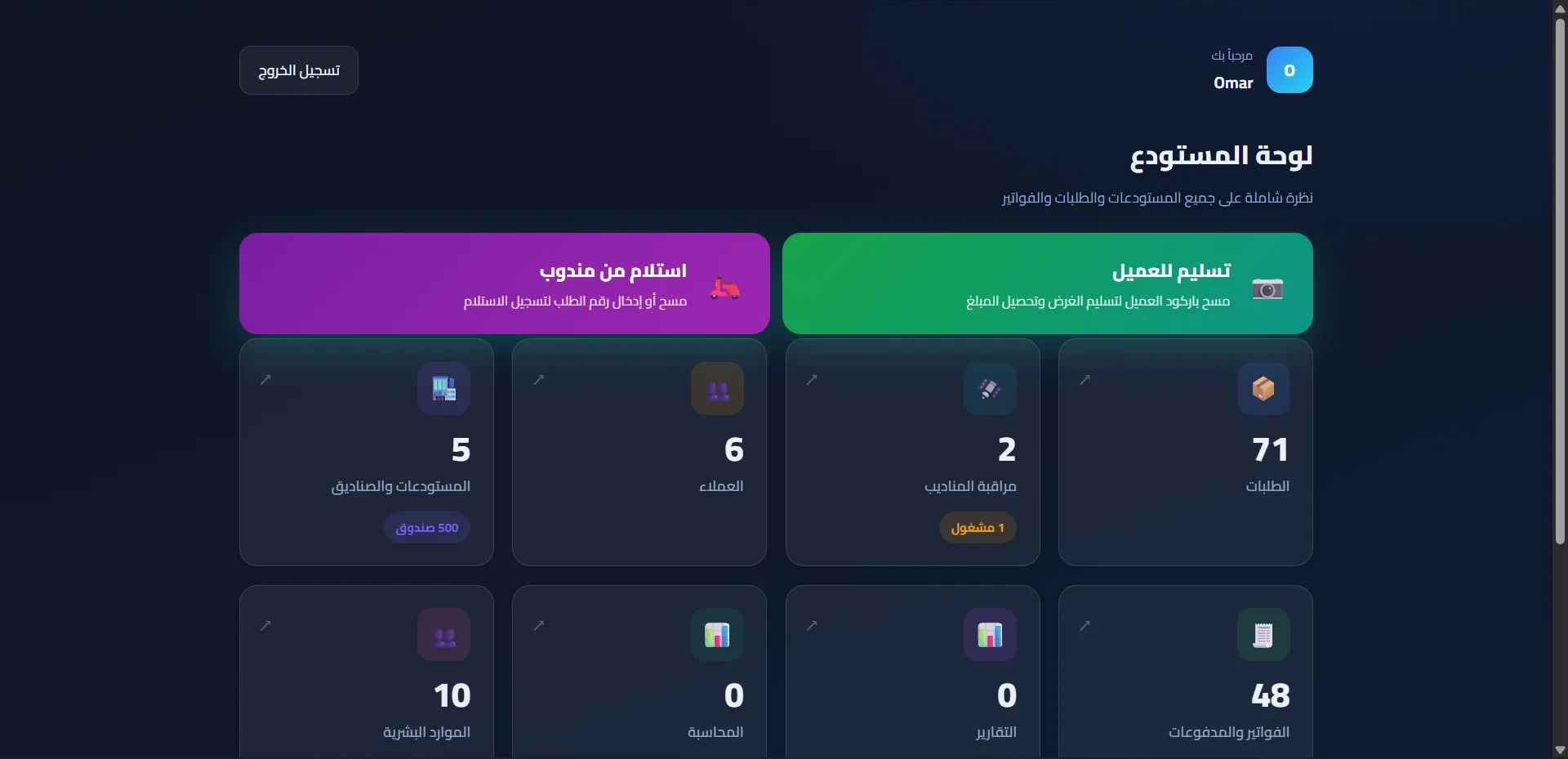
Carry Go — Warehouse Portal
A bilingual warehouse operations portal — orders, attendance, payroll and embedded ERPNext accounting from a single interface.